eSIM for International Business Travel: Mobile Data, Hotspot & Work Trips
An eSIM for international business travel gives professionals a convenient way to use prepaid mobile data abroad without arranging a new physical SIM Card for every trip.
Whether you are attending a conference, visiting clients, travelling between offices, or joining online meetings, a travel eSIM can provide mobile internet for email, messaging, navigation, cloud applications, and hotspot sharing with compatible laptops and tablets.
This guide explains how to prepare a travel eSIM for a business trip, choose an appropriate Data Plan, keep your regular phone number available, and manage mobile connectivity when your work takes you across international borders.

Why Use an eSIM for International Business Travel?
Business trips often involve several different connectivity requirements within the same day.
You might need directions between appointments, access to online documents, messages from colleagues, booking information, and mobile data for a laptop when working away from an office or hotel.
An international travel eSIM can help by providing a separate prepaid data connection on an unlocked, compatible smartphone.
Practical advantages include:
- Digital installation: Download an eSIM profile without waiting for a physical SIM Card to arrive.
- Prepaid mobile data: Select an eligible Data Plan based on your destination, trip duration, and expected usage.
- Hotspot support: Share mobile data with compatible laptops, tablets, and other devices.
- Dual SIM flexibility: Keep another mobile line available on supported smartphones while assigning travel mobile data to the eSIM.
- Multi-country options: Use eligible regional or World Data Plans when your itinerary includes several supported destinations.
- Reusability: Keep the same WraptelDataSIM eSIM installed for future business trips and add compatible Data Plans when needed.
WraptelDataSIM provides prepaid international mobile data without contracts, subscriptions, or monthly fees.
What Can You Use a Business Travel eSIM For?
A travel eSIM can support a range of business activities wherever a suitable supported mobile-data connection is available.
Email, Messaging and Collaboration
Use mobile data to access email, team messaging applications, shared calendars, online documents, and browser-based business tools.
These activities are often relatively light on data, although downloading attachments and synchronising large files can increase usage.
Video Meetings and Internet Calling
Mobile data can support internet-based communication applications such as Microsoft Teams, Zoom, WhatsApp, and other compatible services.
Video-call quality depends on the connection's available bandwidth, latency, network conditions, and the application being used.
For important meetings, arrange a suitable backup connection when possible rather than relying on any single mobile network for guaranteed availability.
Navigation and Business Travel Applications
Mobile internet is also useful for airport transfers, maps, appointment locations, transportation applications, hotel bookings, and changes to your itinerary.
This can be particularly helpful during busy trips involving several meetings or destinations.
Laptop and Tablet Hotspot Access
On compatible devices, you can share your travel eSIM's mobile-data connection through hotspot or tethering.
This provides another way to access work applications from a laptop or tablet when an appropriate Wi-Fi connection is unavailable.
How to Prepare Your eSIM Before a Business Trip
Preparing your connectivity before departure is particularly important when you have a scheduled meeting or client commitment shortly after arrival.
Follow these steps:
- Confirm device compatibility. Make sure your phone is unlocked and supports eSIM installation.
- Check your complete itinerary. Identify every country where you expect to use mobile data, including additional destinations on multi-country trips.
- Purchase and activate your eSIM. Complete the activation process through your WraptelDataSIM account.
- Install the eSIM before departure. Use a reliable internet connection to download the profile onto the intended device.
- Choose a compatible Data Plan. Select coverage, validity, and a high-speed data structure appropriate for your trip.
- Review mobile-data settings. Check that the travel eSIM is selected for data and that Data Roaming can be enabled when you reach a supported destination.
- Prepare your work applications. Update essential software, confirm account access, and download important documents where appropriate.
Completing these preparations in advance can reduce setup work when your business trip begins.
How to Activate and Install a WraptelDataSIM eSIM

The WraptelDataSIM International Data eSIM is a reusable digital eSIM for unlocked, compatible devices.
The basic process is:
- Purchase your International Data eSIM.
- Complete activation through your online account.
- Wait for the eSIM QR code to become available in your account.
- Connect your intended device to Wi-Fi or another working internet connection.
- Open the device's cellular settings and choose the option to add an eSIM.
- Scan the QR code and follow the installation instructions.
- Add an eligible prepaid Data Plan covering your travel destination.
Most activations complete within minutes during business hours; allow up to 12 hours.
The International Data eSIM has a $3.50 one-time activation fee.
Your eSIM is non-transferable and should be installed on the device you intend to use. Keep it installed after your trip rather than deleting it and attempting to reuse the original QR code.
Purchasing or installing the eSIM does not start the Data Plan's usage period. Data Plan validity begins when the assigned plan first connects to a supported mobile network in a covered destination.
Choosing a Data Plan for Business Travel
The right prepaid Data Plan depends on your itinerary, the number of days you will need connectivity, and the activities you expect to perform.
Business travellers should think beyond ordinary smartphone browsing if they regularly use video meetings, cloud applications, or laptop hotspot.
Fixed Data Plans for Predictable Usage
Fixed Data Plans provide a selected high-speed data balance for the plan validity period.
They can be suitable for short business trips involving email, messages, browser-based work, navigation, and a predictable amount of laptop use.
Fixed Data Plans do not throttle while the included high-speed data balance remains available. The usable data balance and plan validity determine how much mobile data can be consumed during the trip.
Unlimited Data Plans for Variable Daily Usage
Unlimited Data Plans may be useful when your daily usage changes and you prefer continued mobile-data access throughout the selected plan duration.
Most WraptelDataSIM Unlimited Data Plans include a high-speed data allowance for each 24-hour period.
After the allowance is used, unlimited data remains available at managed speeds until the next 24-hour period begins, when high-speed data becomes available again.
For business activities involving frequent video meetings, cloud transfers, or hotspot sharing, consider the selected plan level's high-speed allowance rather than looking only at the word "Unlimited."
For further details, review the Fair Usage, Activation & Expiry Policy.
Using Your Travel eSIM as a Laptop Hotspot
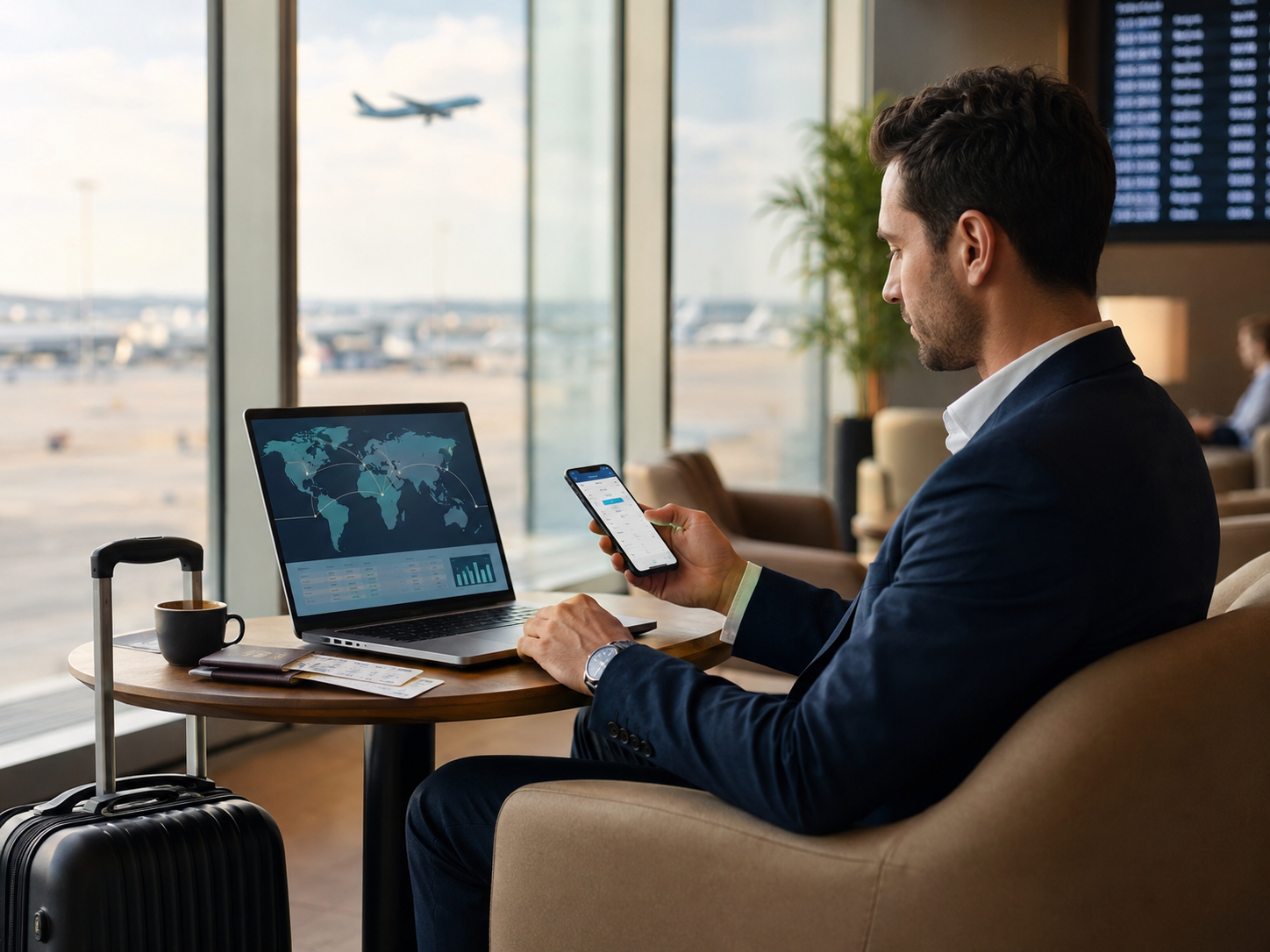
Hotspot and tethering are supported on compatible devices with WraptelDataSIM.
This can be particularly useful for professionals who need internet access between meetings, during travel delays, or while working away from their usual workspace.
Before using hotspot extensively, consider the following:
- Combined data usage: Your phone and connected laptop share the same mobile-data allowance.
- Background activity: Software updates, cloud synchronisation, and automatic backups can consume significant data.
- Video meetings: Frequent or lengthy calls can increase high-speed data consumption.
- Battery requirements: Extended hotspot use can increase battery consumption on your phone.
- Network performance: Speeds depend on local coverage, congestion, supported networks, and device capabilities.
If hotspot will be central to your workday, include expected laptop data consumption when selecting your Data Plan.
When available, use a trusted Wi-Fi connection for large operating-system updates or other non-urgent downloads.
Can You Keep Your Business Phone Number While Using a Travel eSIM?
Yes. Many eSIM-compatible smartphones support Dual SIM functionality, allowing you to keep another mobile line available while using your WraptelDataSIM eSIM for international mobile data.
A typical setup involves:
- Existing business or personal line: Used for traditional cellular calls and SMS.
- WraptelDataSIM eSIM: Selected for prepaid mobile internet while travelling.
The WraptelDataSIM International Data eSIM is data-only. It does not provide a traditional telephone number, cellular voice minutes, or SMS.
However, internet-based calling and messaging applications can use the travel eSIM's mobile-data connection.
Your existing mobile provider may still charge for calls, SMS, or other roaming services while that line is enabled abroad.
Before travelling, review which line your device uses for mobile data and whether automatic data switching is enabled.
For detailed configuration instructions, see our Dual SIM with eSIM Travel Guide.
Using One eSIM for Multi-Country Business Trips
Business travel frequently involves several destinations within one itinerary.
For example, a traveller may attend meetings in London, continue to Amsterdam, and then travel to Frankfurt before returning.
A compatible regional Data Plan can be useful when it includes all the countries where mobile data is required.
WraptelDataSIM's reusable International Data eSIM supports eligible prepaid Data Plans across 150+ countries. However, each individual Data Plan has its own destination coverage.
Before departure, check whether a country, regional, or World Data Plan covers your complete itinerary.
If all destinations are included in the same active Data Plan, you can keep the same eSIM installed as you move between supported countries.
Mobile-network partners and available 5G/4G/LTE technologies may differ between destinations. Speeds and coverage also depend on local conditions.
If your itinerary extends beyond the selected Data Plan's coverage, review the available options before visiting the additional destination.
Managing Mobile Data During a Busy Workday
A few practical habits can help you manage high-speed mobile data during a business trip without constantly adjusting your connectivity.
- Download presentation files and essential documents before leaving a trusted Wi-Fi connection.
- Review cloud backup and automatic update settings on laptops connected through hotspot.
- Use offline maps when practical, particularly for frequently travelled routes.
- Keep track of data usage if your plan includes a Fixed GB balance or daily high-speed allowance.
- Check battery levels before long periods of navigation, hotspot use, or video calls.
- Choose a quieter location with suitable reception when joining an important online meeting.
These measures can be useful during a workday involving airports, taxis, meetings, conferences, and travel between accommodation and business locations.
Security Considerations for Business Travellers
Professionals travelling with business devices may need to access confidential documents, company accounts, or internal systems.
A cellular-data connection can provide an alternative to unfamiliar public Wi-Fi, but it does not replace normal device and account security precautions.
Before departure:
- Install important operating-system and application security updates.
- Enable appropriate screen locks and account authentication.
- Use your organisation's approved security tools where required.
- Confirm access to essential business applications before leaving.
- Use trusted, appropriately secured connections for sensitive work.
For more detail, see How to Protect Your Data and Privacy While Travelling Abroad.
What if Mobile Data Is Not Working When You Arrive?
If your travel eSIM does not connect after arriving in a covered destination, start with a few basic checks.
- Confirm that the assigned Data Plan includes your destination.
- Make sure the correct travel eSIM is enabled and selected for mobile data.
- Enable Data Roaming on the WraptelDataSIM eSIM.
- Check that the device has mobile signal and can register on a supported partner network.
- Toggle Airplane Mode or restart the device if needed.
- Review the applicable network and APN instructions if connectivity is still unavailable.
Avoid deleting the installed eSIM while troubleshooting.
Further instructions are available in our eSIM Troubleshooting Guide.
Reuse the Same eSIM for Future Business Trips
Business travellers who regularly visit different countries can keep the same WraptelDataSIM International Data eSIM installed after completing a trip.
When another business trip is planned, add an eligible prepaid Data Plan for the new destination through your online account.
The WraptelDataSIM eSIM expires after one year of inactivity. Purchasing another eligible Data Plan extends the eSIM's validity for another year.
Reusing the same eSIM can be convenient for consultants, sales professionals, executives, and other frequent international travellers who need mobile data for different destinations throughout the year.
Frequently Asked Questions
Is an eSIM suitable for international business travel?
Yes. A compatible travel eSIM can provide prepaid mobile data for email, messaging, work applications, navigation, online meetings, and hotspot sharing in supported destinations. Choose a Data Plan that matches your itinerary, trip duration, and expected usage.
Can I use my business laptop with a travel eSIM?
Yes. WraptelDataSIM supports hotspot and tethering on compatible devices, allowing your smartphone's mobile-data connection to be shared with a laptop or tablet. Include laptop activities such as video calls, cloud syncing, and file transfers when selecting your Data Plan.
Can I keep receiving calls on my regular business number?
On a compatible Dual SIM smartphone, you can often keep your existing mobile line available while using the WraptelDataSIM eSIM for mobile data. Traditional calls and SMS remain associated with your existing provider, whose international roaming charges and service conditions may apply.
Do I need another eSIM for every international business trip?
No. The WraptelDataSIM International Data eSIM is reusable. Keep it installed and add another eligible prepaid Data Plan for a future trip. Your selected Data Plan determines the countries covered, and purchasing another Data Plan extends the eSIM's validity for another year.
Prepare Your Mobile Data for Your Next Business Trip
A travel eSIM can simplify how individual business travellers arrange prepaid mobile data for meetings, work applications, navigation, and laptop hotspot access abroad.
Before departure, confirm your device compatibility, choose coverage for the complete itinerary, and select a Data Plan that matches your business activities and travel dates.
The WraptelDataSIM International Data eSIM is reusable and supports eligible prepaid Fixed and Unlimited Data Plans for international travel, with hotspot sharing and no contracts, subscriptions, or monthly fees.